Laser-powered projected graffiti
Turn any building into your canvas.
Graffiti Lab transforms a compact projection setup into a live digital graffiti system for walls, stages, rooms, and facades. Paint with light, control the whole session from your hand, and save the performance when the night is done.
Simple setup, huge surface
Bring the wall. Graffiti Lab brings the studio.
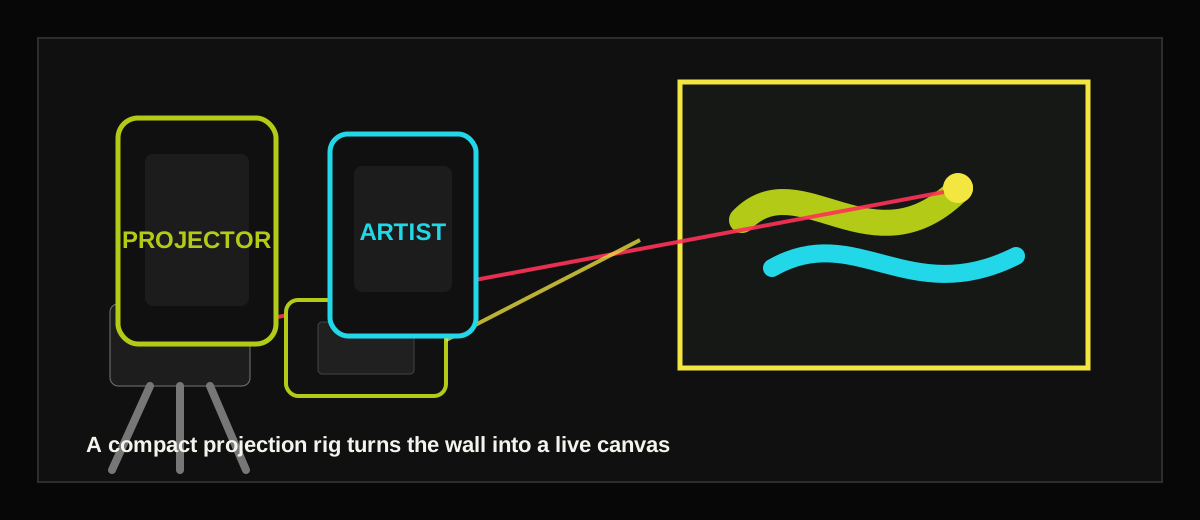
A small projection rig is enough to unlock a massive creative surface. Graffiti Lab keeps the hardware story approachable so the focus stays on the moment: aim, move, paint, and watch the architecture respond.
01
Choose a surface
Use a wall, room, stage, storefront, or temporary installation surface as the canvas.
02
Frame the artboard
Projector Mode helps align the live canvas to the real-world surface before drawing begins.
03
Paint with light
The app tracks the drawing point and translates movement into projected marks in real time.
04
Direct the session
Artist Mode controls color, brush texture, thickness, drips, background, saves, and timelapses.
Three modes
Built for live sessions from setup to encore.
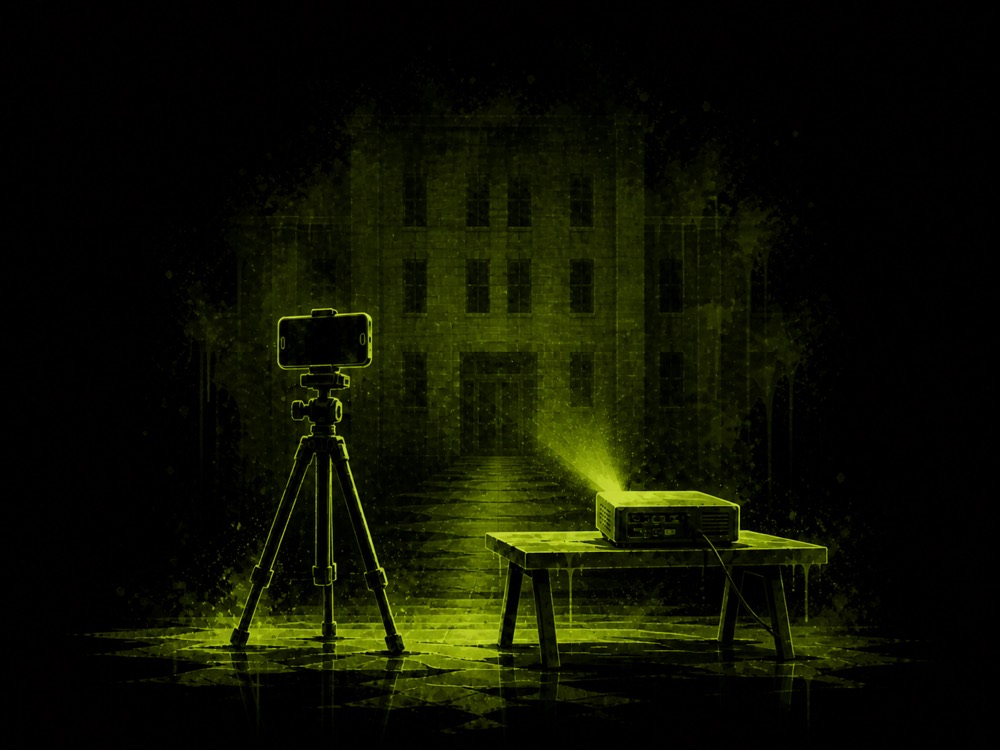
Projector Mode
Run the wall
Calibrate the camera, sample the laser, align the artboard, and project the live canvas.
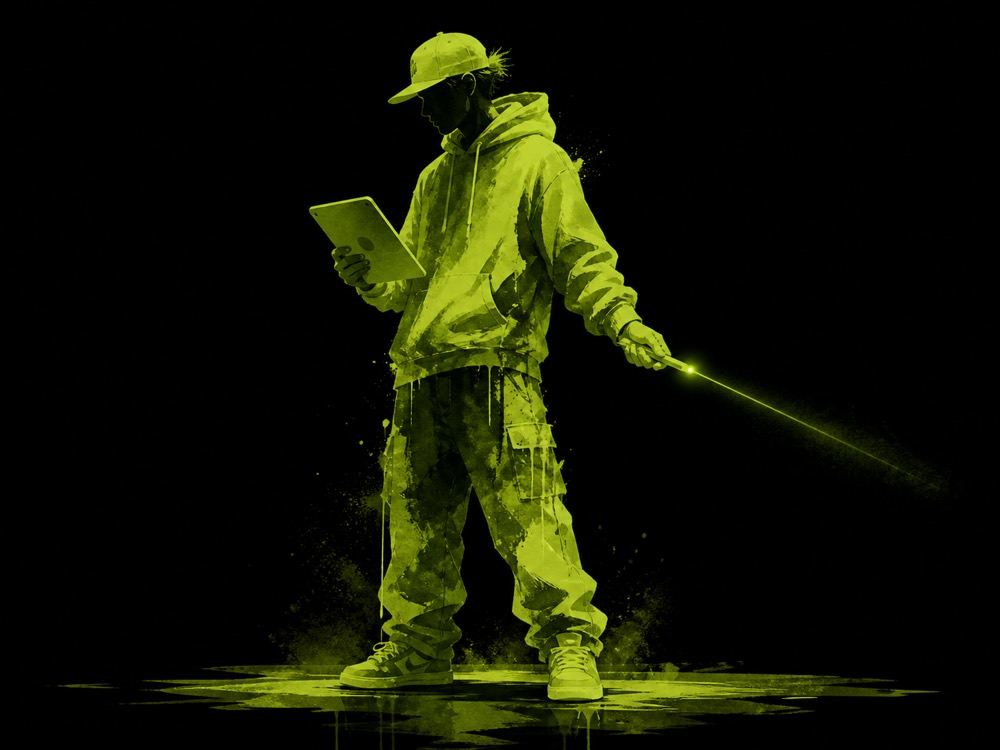
Artist Mode
Control the mark
Switch colors, brushes, thickness, repeat density, drips, background, snapshots, and timelapses.
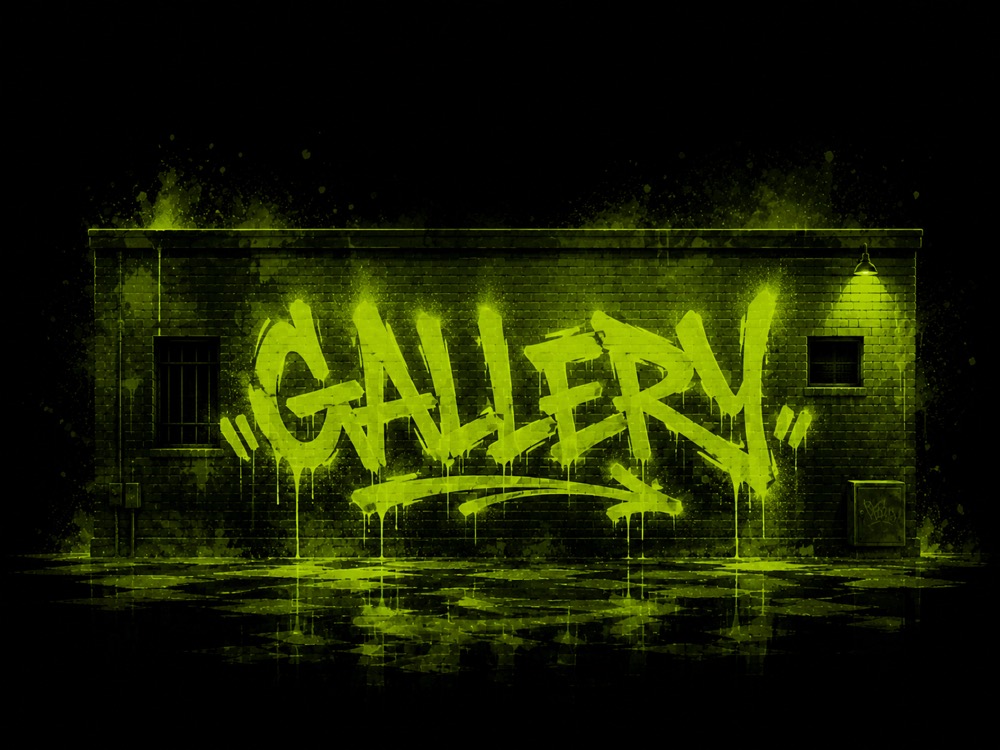
Gallery Mode
Keep the work alive
Browse saved art, reload pieces to the wall, export stills, and manage progress movies.
Creative freedom
A wall-scale mark-making engine.
Graffiti Lab stamps expressive brush marks along the drawing path instead of drawing flat vector lines. Tune the look mid-session and let the projected work feel wet, bright, textured, and alive.
- Eight expressive brush styles.
- Custom colors and curated swatches.
- Thickness presets from Stencil to Fat Cap.
- Repeat density controls for smoother or rougher marks.
- Animated paint drips with adjustable speed and intensity.

Round

Soft Spray

Slash

Spotty

Pent

Callig Left

Paint

Air Insane
Setup confidence
Precise enough for real spaces.
Projector Mode includes practical calibration tools for messy physical setups: draggable artboard corners, laser color sampling, sensitivity tuning, camera rotation and flip controls, zoom selection, and a 9-point precision map.
Save the performance
The wall does not have to disappear when the lights come up.
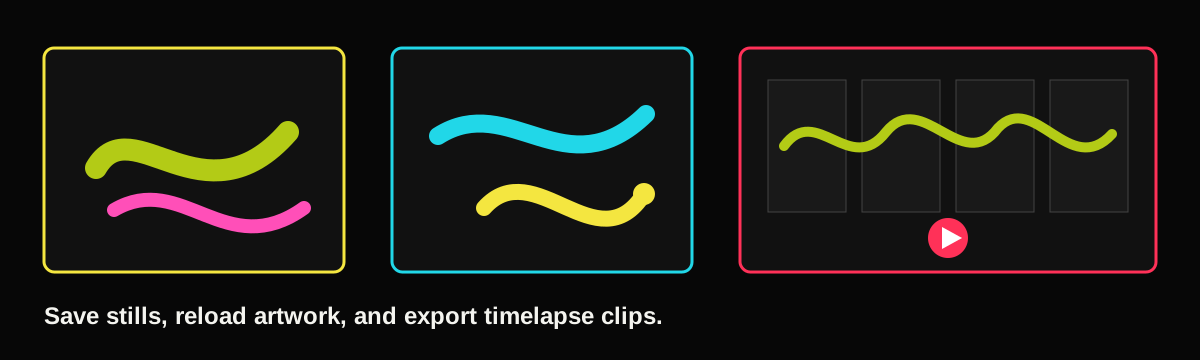
Snapshots
Save finished artwork with the underlying stroke data so a piece can be previewed, exported, or loaded back onto the wall.
Timelapses
Record the creative process at 5, 10, 15, 20, or 30 shots per minute and keep a movie of the session.
Share and export
Send saved pieces, export to Photos, manage files, and keep the best moments ready for your next installation or campaign.
FAQ
What users will want to know first.
Setup and Space
What do I need to use Graffiti Lab?
You need a projection setup, a stable camera view of the surface, and a drawing point the app can track. The exact gear can scale from a simple test rig to a larger installation.
Can I use it outside?
Yes, as long as the projection is visible and the tracking device can clearly see the drawing point. Darker environments usually work best.
What surfaces work best?
Flat, light-colored walls are easiest, but stages, rooms, temporary panels, and building facades can all work when the projection and camera are set up clearly.
How long does setup take?
Simple indoor tests can be quick. Larger spaces take more time because projector placement, camera framing, and calibration matter more.
Does the app permanently mark the wall?
No. Graffiti Lab uses projected digital marks, so the artwork appears on the surface without paint, adhesive, or physical contact.
Drawing and Controls
How does drawing work?
Projector Mode tracks the drawing point through the camera, maps it to the calibrated surface, and renders brush marks onto the projected artboard.
Can I change brushes while drawing?
Yes. Artist Mode lets you switch brush styles, colors, thickness, repeat density, drip settings, and background while the wall stays live.
What brush styles are included?
The current build includes Round, Soft Spray, Slash, Spotty, Pent, Calligraphy Left, Paint, and Air Insane.
Can multiple people participate?
The app is centered on one active drawing point, but the experience works well for groups because one person can draw while another controls the console or curates the session.
What if tracking feels off?
Projector Mode includes alignment, sensitivity, camera orientation, zoom, laser sampling, and a 9-point precision map to improve tracking in real spaces.
Saving and Use Cases
Can I save the artwork?
Yes. Gallery Mode stores saved artwork and can reload previous pieces back onto the wall.
Can I record the process?
Yes. Timelapse recording captures the progress of a session at selectable rates and saves a movie for sharing or export.
Who is Graffiti Lab for?
It is designed for artists, classrooms, museums, event producers, creative technologists, projection installers, and anyone who wants to make large-scale digital marks.
Can it be used for events or installations?
Yes. The mode structure is built for live use: one device runs the wall, another controls the creative session, and the gallery captures the results.
Is this a final production website?
This is a test-site direction with placeholder visuals and real app media. Final photography, founder copy, and launch-specific calls to action can be added once the direction is approved.
Graffiti at architectural scale
Find a wall. Aim the laser. Start painting.
Use this test site as the launch direction: immersive, practical, and built around the thrill of making real places writable.